
Best Productivity & Management products (69+)
Discover 69+ best productivity & management products. Compare features, pricing, and reviews. Free and paid options available.
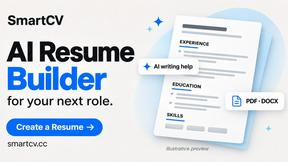
SmartCV
SmartCV brings resume templates, AI-assisted editing, text checks, and application tracking together for a more organized job search.

BE THE ONE
BE THE ONE combines reflection, movement, breathwork, meditation, affirmations, and creative practice in a daily routine app for intentional living.

ACA
ACA brings lead sourcing, email and LinkedIn outreach, content publishing and reply management into one AI-assisted acquisition system.
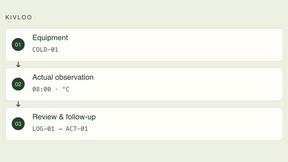
Kivloo
Kivloo records workplace and food safety checks on phones, with photos, readings and searchable inspection history for site teams.

Infograph
Infograph turns meeting notes, blog posts and other text into visual stories, carousels, PDFs and videos for teams and marketers.
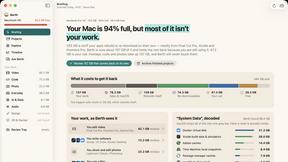
Berth for Mac
Berth helps creative Mac users track storage by project, explaining which caches and renders can be rebuilt before they review cleanup.
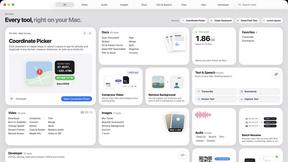
Toolbox for Mac
Toolbox for Mac brings together 102 native utilities for Mac users working with video, PDFs, images, speech and files.

Leadmatically
Leadmatically monitors social conversations for buyer intent, then puts lead context and response drafts into one inbox for follow-up.

Safe Outreach
Safe Outreach checks Chrome extensions against LinkedIn's detection list and publishes code reviews that clarify session handling and risk signals.

Nautis
Nautis prepares startup briefings, meeting context, follow-up tasks, and scheduled routines using information from the company's workspace.

Emailyy
Emailyy offers free, browser-based tools for creating email signatures, checking subject lines, previewing HTML, counting copy, and analyzing headers.

Uniclip
Uniclip captures web content in a browser side panel and saves single items or batches to Notion, Feishu, Obsidian, or local files.

TroveKey
TroveKey is a keyboard-first Chrome command center for finding tabs, bookmarks, history and saved content.
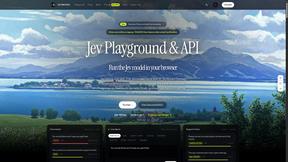
JevModel
JevModel supports SaaS teams with structured text decisions, batch evaluation and branching flows for support, moderation and operations.
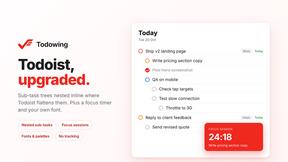
Todowing
Todowing extends Todoist in Chrome with focus sessions, workload estimates, inline subtasks and a way to view Apple Calendar events in Today.

LightScreen
LightScreen turns a browser display into adjustable fullscreen light for reading, ambient lighting, photography, and basic screen checks.
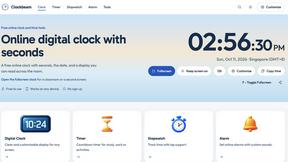
Clockbeam
Clockbeam is a free browser clock with seconds, fullscreen mode, and adjustable displays for classrooms, shared screens, and everyday timekeeping.
Novastart
Novastart is a shared infinite canvas OS where teams can use apps together and supervise AI agents with visible cursors.
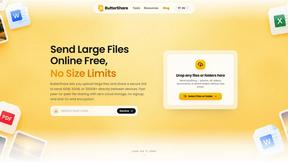
ButterShare
ButterShare streams files between browsers with encrypted live P2P, and adds cloud links for delivery when recipients are offline.
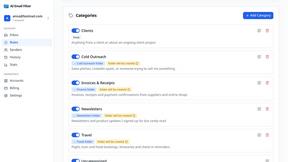
AI Email Filter
AI Email Filter organizes Gmail and IMAP inboxes with natural-language categories, reviewable sorting and optional automatic email actions.
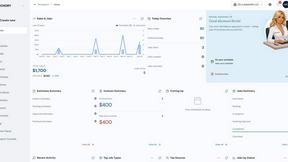
Techory
Techory helps field service businesses coordinate customers, jobs, schedules, inventory, estimates and billing in one workspace.
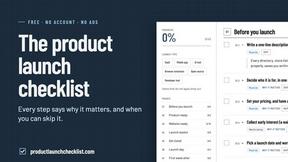
Product Launch Checklist
A free checklist helps indie makers prepare software launches, with product-specific filtering and steps through the first month.
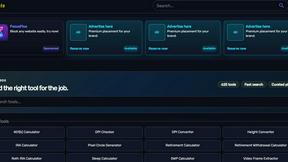
Kody Tools
Kody Tools is a free online collection of calculators, converters, text utilities, image tools, and developer resources for everyday digital tasks.
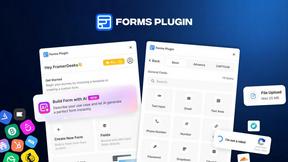
Forms Plugin
Forms Plugin adds AI-built forms, advanced fields, multi-step flows, and CRM connections to Framer.
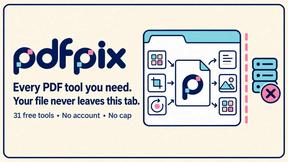
pdfpix
pdfpix offers browser-based PDF editing and conversion with local file processing, suited to people handling documents on a device they control.
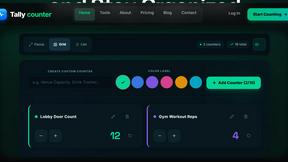
Tally Counter
Tally Counter is an online click counter for managing distinct task totals, with saved progress and team sharing features.

iHatePosting
iHatePosting provides calendar-based social scheduling across 15 networks, with AI agent access, team workspaces and publishing analytics.
PDFWix
PDFWix provides free PDF editing and conversion in a browser, with no watermark or daily task limit and local processing for most tools.
PDFKing
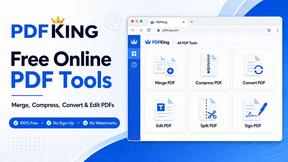
PDFKing brings browser-based tools for merging, compressing, converting, editing, and organizing PDFs into one free, no-sign-up workspace.

TimerJet
TimerJet is a free browser timekeeping tool with countdowns, an alarm clock, a stopwatch, and offline use after loading.
Sumly
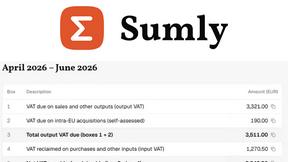
Sumly helps Cyprus limited companies manage bookkeeping, VAT, payroll and invoicing, with software plans or support from a certified bookkeeper.
OctoWatch
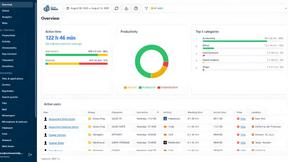
OctoWatch gives Windows teams activity records, time tracking, and configurable data loss prevention in a cloud or on-premise Web Console.
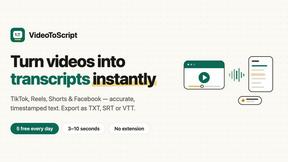
VideoToScript
VideoToScript creates timestamped transcripts from TikTok, Reels, Shorts, and Facebook links, with TXT, SRT, and VTT downloads for content workflows.
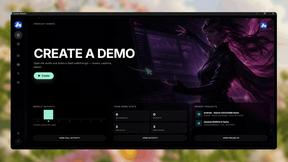
Screen Beaver
Screen Beaver helps Windows users produce polished product videos with screen and Android capture, automatic zooms, captions, and local export.

LinkWise
LinkWise organizes saved web sources into a searchable knowledge base, with AI summaries, cited answers, and exports for your notes.
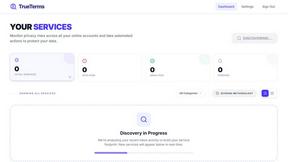
TrueTerms
TrueTerms turns service policy emails into readable summaries and privacy alerts for Gmail and Google Workspace users.

TchoAI
TchoAI creates editable presentations from business documents and data, with plain-language revisions and flexible exports.
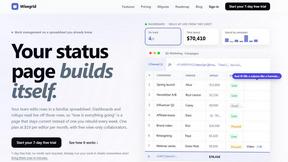
Wisegrid
Wisegrid adds dashboards, reports, forms and workflow automation to familiar spreadsheets for teams that want to manage work in rows.
Lab Laps
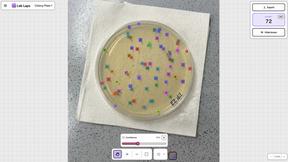
Lab Laps brings protocols, timers, plate maps, and calculation tools into one lab workspace that syncs between browser and mobile app.

Postqued
Postqued schedules and publishes social content across 10 networks, with AI agent access through Claude, ChatGPT, MCP, and its API.
Popular Alternatives in Productivity & Management
About Productivity & Management products
Productivity and Management tools help individuals and teams organize work, manage projects, track time, communicate effectively, and accomplish more in less time. This category includes project management platforms, task managers, time trackers, team communication tools, note-taking apps, and workspace organization solutions.
Whether you are managing a complex project with multiple stakeholders, organizing personal tasks, tracking billable hours, coordinating a remote team, or building a personal knowledge management system, these tools provide the organizational infrastructure for productive work.
Compare productivity and management tools by their task management features, collaboration capabilities, integration ecosystem, customization options, and pricing to find the right tools for your work style and team needs.
FAQs for Productivity & Management
What types of productivity tools are listed?
This category includes project management platforms, task and to-do managers, time tracking tools, team communication apps, note-taking and knowledge management tools, calendar and scheduling apps, and workspace organization solutions.
Which productivity tool is best for teams?
The best tool depends on your team size, workflow, and collaboration style. Look for platforms with shared workspaces, task assignments, real-time updates, integrations with your existing tools, and communication features that match how your team works.
Can productivity tools integrate with other software?
Yes. Most productivity tools offer extensive integrations with email, calendar, communication, file storage, and development tools. Many also support automation through Zapier, Make, or native webhook integrations.
How do time tracking tools work?
Time tracking tools let you log hours manually or through automatic timers, categorize time by project and task, generate reports for billing or analysis, and integrate with project management tools for comprehensive work tracking.
Are there free productivity tools?
Yes. Many productivity tools offer generous free tiers with core task management, basic project features, and limited team collaboration. Premium plans unlock advanced features, larger team support, and more storage.
How do I choose the right productivity tool?
Consider whether you need individual task management or team collaboration, your preferred workflow methodology, required integrations, and budget. Test free tiers of several tools to find the interface and feature set that matches your work style.