Veo 4 video generator
Veo 4 transforms text, images, or videos into stunning, studio-quality clips with realistic motion in seconds, streamlining video creation.
Visit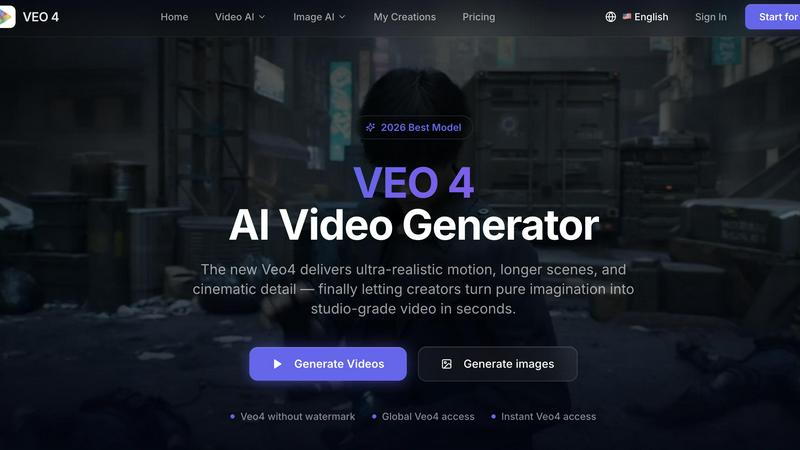
About Veo 4 video generator
Veo 4 is an advanced AI video generator that empowers creators, marketers, and brands to transform their ideas into stunning, studio-quality videos in mere seconds. Unlike many existing AI video tools that often yield subpar results, Veo 4 prioritizes realism and cinematic quality, enabling users to produce longer scenes with ultra-realistic motion and intricate details suitable for professional use. The platform supports three primary creation methods: text to video, image to video, and video to video. This versatility allows users to easily generate content from a simple written prompt, a single image, or an existing video clip. Designed with speed and clarity in mind, Veo 4 is particularly beneficial for marketing and creative teams that require rapid first drafts and the ability to experiment with variations efficiently. Whether for product launches, social ads, branded storytelling, or short-form content, Veo 4 ensures smoother motion, cleaner framing, and more deliberate scenes, resulting in polished, export-ready footage. With no watermarks on outputs and global accessibility, Veo 4 stands as a practical and effective solution for anyone needing to accelerate their video production process.
Features of Veo 4 video generator
Text to Video
Veo 4 allows users to convert written prompts into engaging video content. This feature is perfect for those looking to explore new concepts or create narratives quickly, providing a seamless transition from text to visual storytelling.
Image to Video
With the image-to-video feature, users can upload still images and have them animated into dynamic video sequences. This is particularly useful for enhancing existing visuals, making it easier to create captivating content from static assets.
Video to Video
This feature enables users to transform existing video clips by restyling, extending, or improving them. The video-to-video capability is crucial for teams that need to refine or iterate on their footage without starting from scratch.
Longer Clips and Clean Exports
Veo 4 supports the creation of longer video clips, which is ideal for narrative sequences and detailed campaign concepts. The tool ensures clean exports, facilitating a smooth transition into editing workflows or direct publishing on digital platforms.
Use Cases of Veo 4 video generator
Marketing Campaigns
Veo 4 is an excellent tool for marketers looking to quickly produce ad content. With its ability to generate high-quality videos from text, images, or existing footage, teams can develop compelling marketing materials in a fraction of the time.
Product Launches
For product teams preparing for launches, Veo 4 enables the rapid creation of promotional videos. The tool's cinematic quality and detail allow brands to showcase new products effectively, making a strong impression on their audience.
Social Media Content
Social media managers can leverage Veo 4 to create engaging content for various platforms. The ability to generate videos quickly and without watermarks means that teams can maintain a steady stream of fresh content tailored for social media audiences.
Branded Storytelling
Veo 4 is ideal for brands that wish to tell their stories through video. By using the text-to-video feature, companies can craft narratives that resonate with their audiences, enhancing brand loyalty and engagement through visual storytelling.
Frequently Asked Questions
How does Veo 4 handle video quality?
Veo 4 is designed to produce ultra-realistic video content that meets professional standards. Its advanced algorithms focus on ensuring smooth motion and high detail, making the outputs suitable for real-world projects.
Can I use Veo 4 for free?
Veo 4 offers a free trial, allowing users to explore its features without any commitment. After the trial, users can choose from various pricing options based on their needs.
What formats are supported by Veo 4?
Veo 4 supports multiple input formats, including text prompts, still images, and existing video clips, making it versatile for different creative workflows and project requirements.
Is there a limit on video length?
While Veo 4 allows for the creation of longer video clips, specific length restrictions may apply depending on the project type and the chosen export settings. Users are encouraged to consult the platform for detailed guidelines.
Similar to Veo 4 video generator

FreeVideoGenerator
Free AI video generator: turn text prompts and photos into video clips with Sora 2, Veo 3.1, Wan and more. Free starter credits, no watermark download

AIPetGen
AIPetGen turns a photo of your dog, cat, or other pet, or a written description, into a new picture or a short animation.

Slide-Easy
A Mac app that turns your App Store link into a week of Instagram Reels and carousels, written from your real reviews.